SUBSCRIBE


How to Share Your Holiday Photos with Family for Free (No Social Media Needed!)
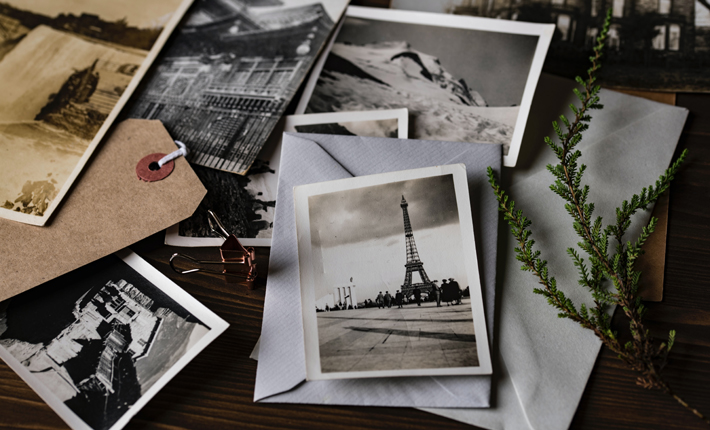
It’s fun to share holiday photos with our families, but some of the most popular sharing platforms are anything but private. Facebook, for example, gives you the option to open private groups where only members can see posted content, but Facebook can use these photos as they wish.
Social media sites operate under a non-exclusive, transferable, sub-licensable, royalty-free, worldwide license, meaning they can use your photos, and you’re not able to ask for payment.
Does that mean they’ll use your photos? Probably not, as it would be a bad business move on their part. With that said, social media doesn’t offer as much privacy as you think, and neither does most of the internet. Fortunately, there are many free ways to securely share photographs.
7 Ways to Share Your Holiday Photos Without Social Media
There’s nothing wrong with posting your favorite outfits on Instagram or your amazing holiday getaway on Twitter, but if you’re looking for a bit more privacy, you’ll need to look elsewhere.
1. Private Photo Album Apps
Private photo album applications aren’t like public photography sites, like Flickr, with the security features turned on. The apps we’re referring to are the ones geared for private sharing and can’t be made public. Of these, one of the best free photo-sharing and photo album sites is Memento.
Memento works on any device, has customizable options, like the ability to make slideshows, and comes with unlimited storage. What’s more, the photos you or your family upload are completely private, and you can choose to moderate images before they appear in your album.
2. Send a USB Stick
In the strict sense, sharing photos with a USB stick isn’t actually free, but you likely have a spare USB stick or storage device lying around. If you need to purchase one, you can get a pack of 10 16GB flash drives for around $15 and a single, smaller drive for less than $5.
However, if one of your family has one and you live close by, you can borrow theirs for the exchange. USB sticks are perfect for families who want to use physical media instead.
3. Shared Cloud Folder
Cloud storage and sharing services, like Dropbox, Microsoft OneDrive, and Google Drive, have free options with a limited storage capacity. You can create a folder and share it within these platforms. Just note that you’re only sending the actual image rather than a collage or album.
Most cloud-sharing platforms work the same way: open a folder, click share, and invite your family using their email addresses. Of the main three options, Google Drive gives you the most amount of storage for free (15GB), but you have to share it between Gmail and Workspace.
4. Make a Group Chat
If you’re not interested in downloading another app or creating a new account, you can share holiday photos via a group text. Whether you have an iPhone or Android, you can set up a group text easily, but your platform of choice will change how you set up a new group message.
On iMessage for iOS, simply open messages and start with a new message. Enter the contact numbers you’re sending to, add the attachment, and click send. For Android Messenger, you’ll have to set up MMS first, which is located in Settings > Advanced > Group Messaging.

5. Shared Email Inboxes
Sharing a bunch of images over email is easy, but you have to be careful. Whatever you send over most free email platforms isn’t encrypted, which leaves you vulnerable to hacks or theft. For this reason, you should secure all messages and files before sharing them with family.
All email platforms have their own way of encrypting files. For example, you can send and open confidential emails on Gmail by turning on confidential mode, which is located at the bottom right of the window after clicking “Compose.” Here, you can add a passcode or expiration date.
6. Bulk Send With WeTransfer
WeTransfer is similar to most cloud-sharing platforms, except it’s best for sending large or zip files. The best part about WeTransfer is you don’t have to set up an account before using it. All you have to do is attach a photo you want to share, add an email address, and send it.
On the free version, you can share 2GB of photos for free, but WeTransfer doesn’t store them. To do that, you have to upgrade to pro, which offers up to 200GB of storage per member.
7. Instant Messaging Apps
While instant messaging apps like WhatsApp and WeChat border on the social media line because they have feeds, most people use them to send private messages. These apps don’t use vanity profiles in the same way as Facebook or Instagram, so setup is quick and easy.
Keep in mind that WhatsApp and WeChat have a small photo capacity, only let you send a few images in one go, and restrict image sizes. However, a competing app, Telegram, lets you share files up to 1.5GB, which allows you to send 4K images without a loss in quality.
Feature Photo by Joanna Kosinska
More to Love!
How to Take Perfect Winter Holiday Photos According to Photographers